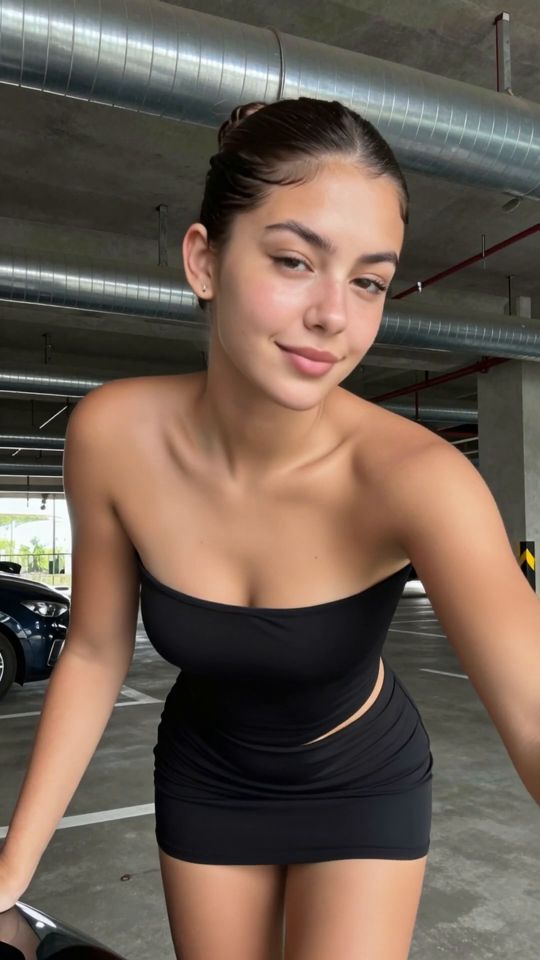
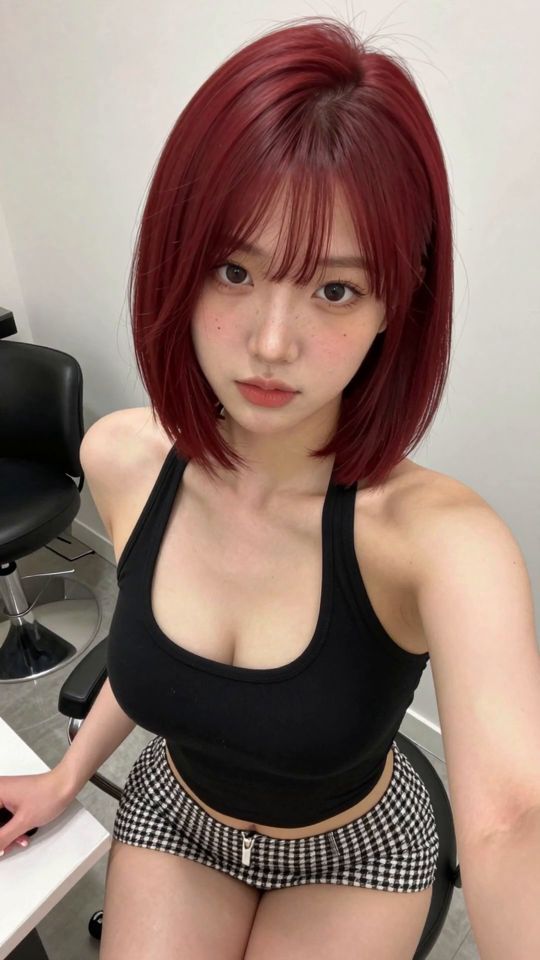
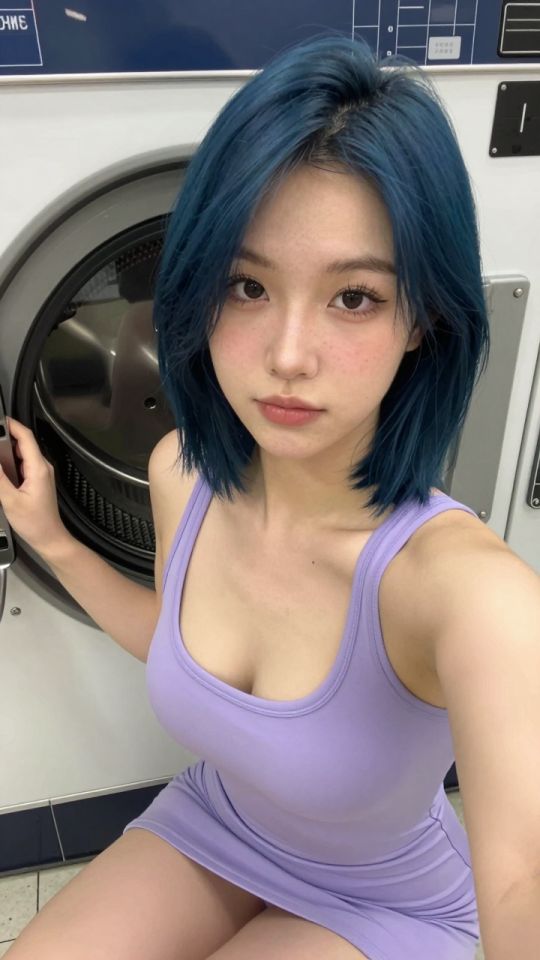
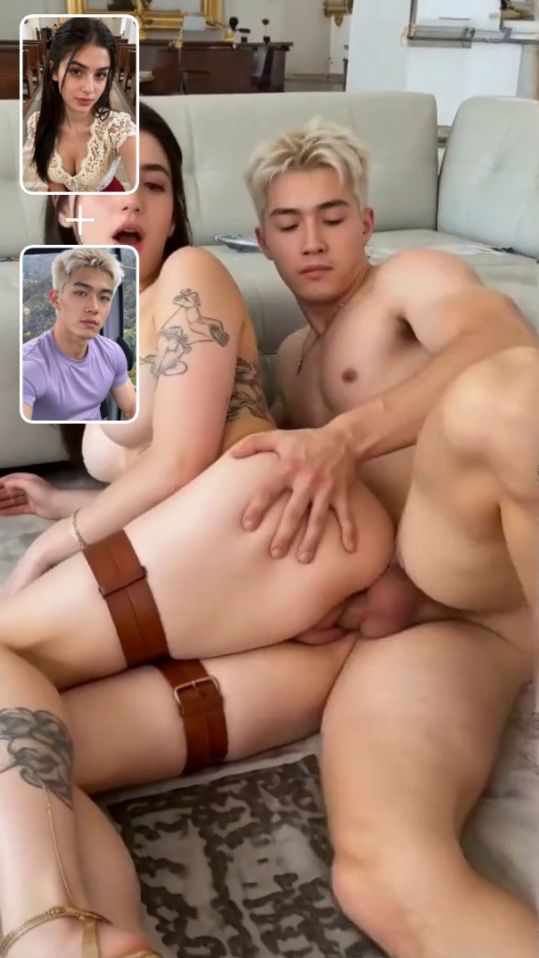
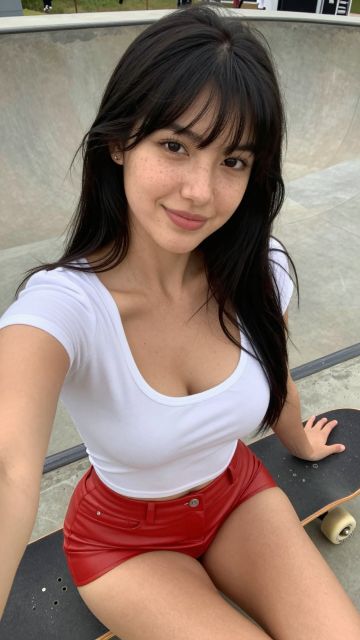
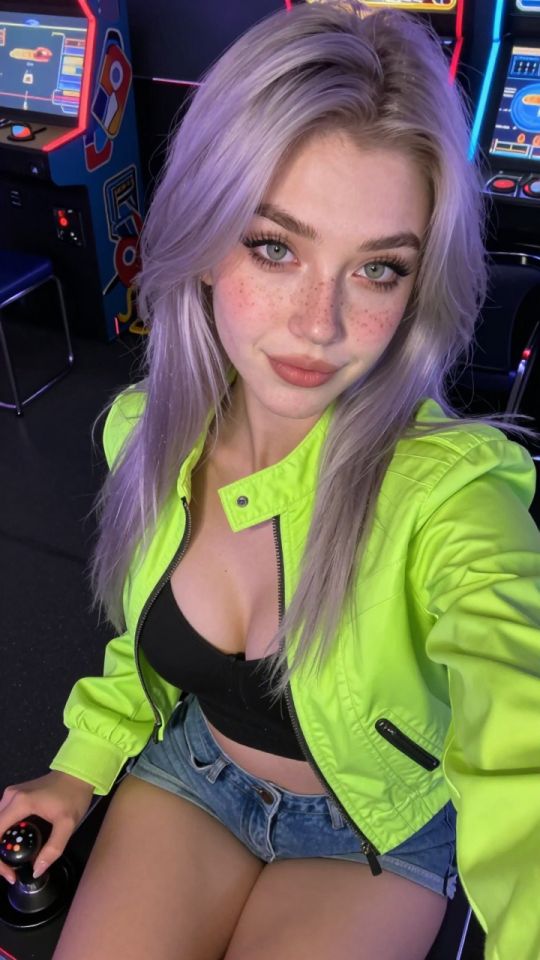
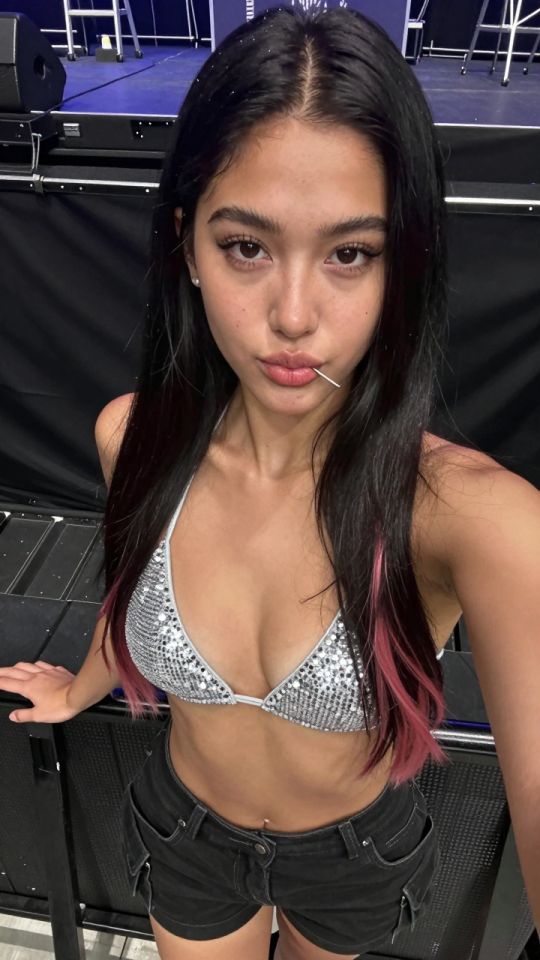
AI Couple Generator

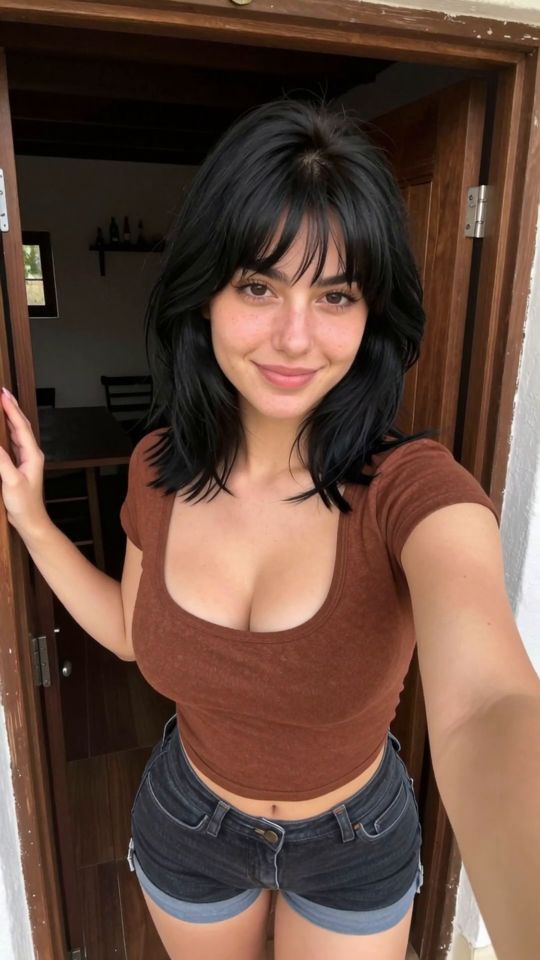
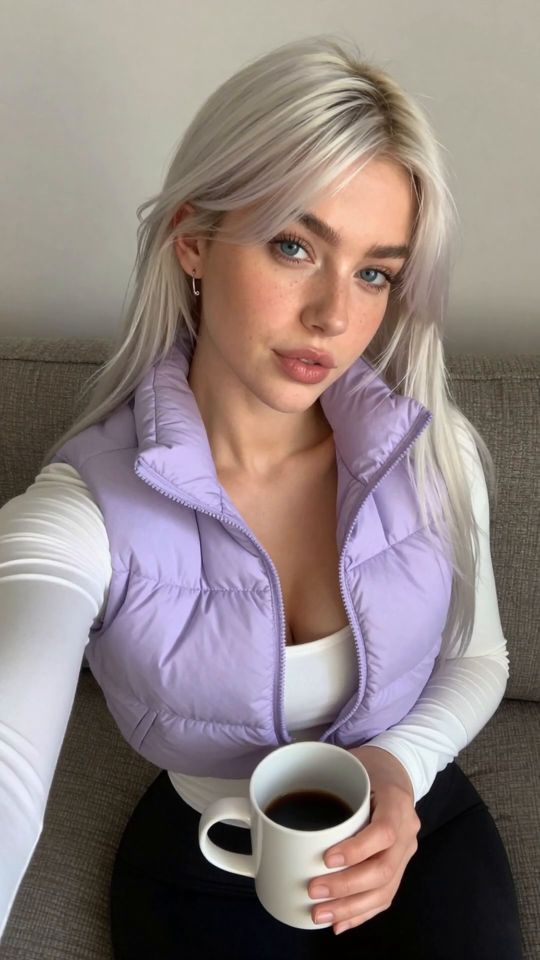
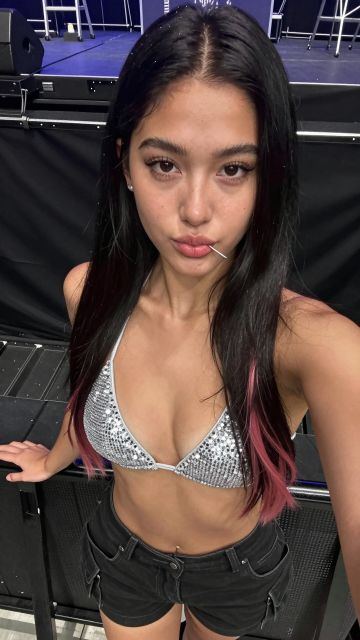
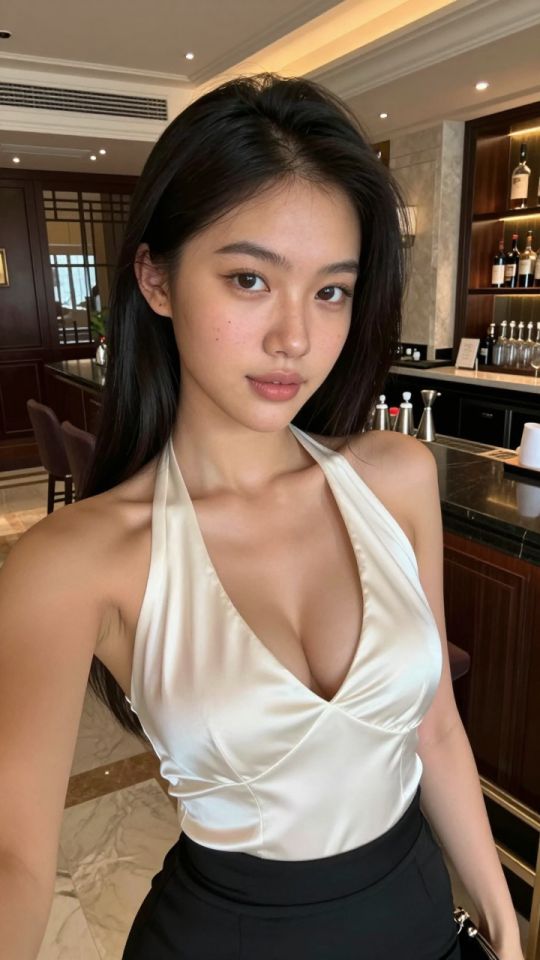
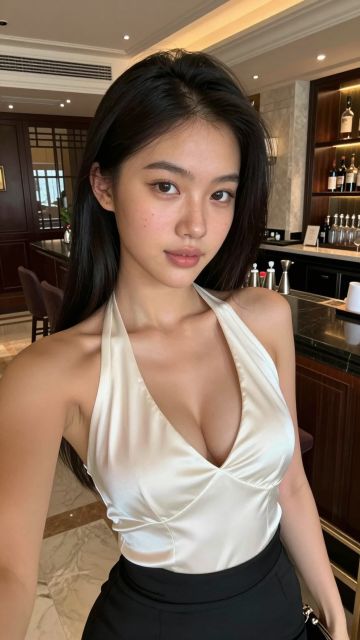
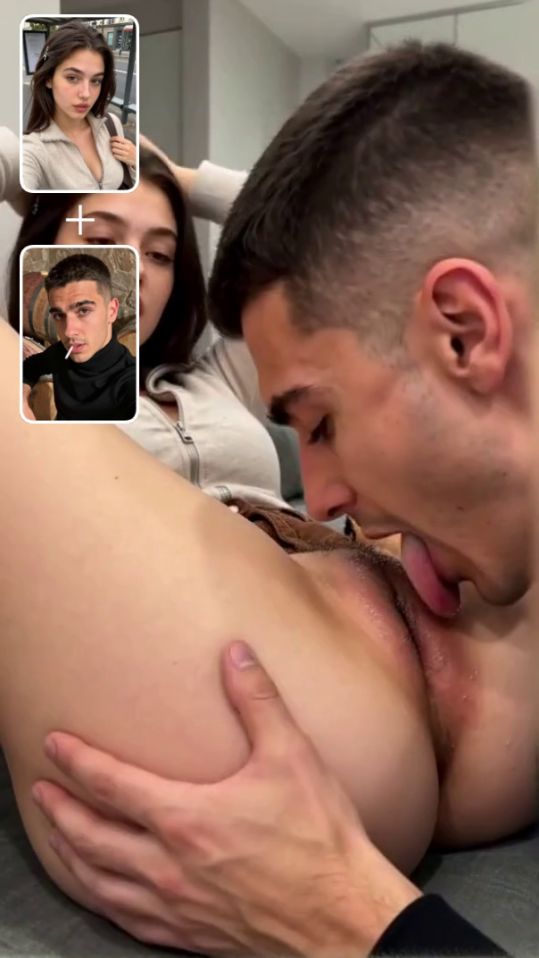
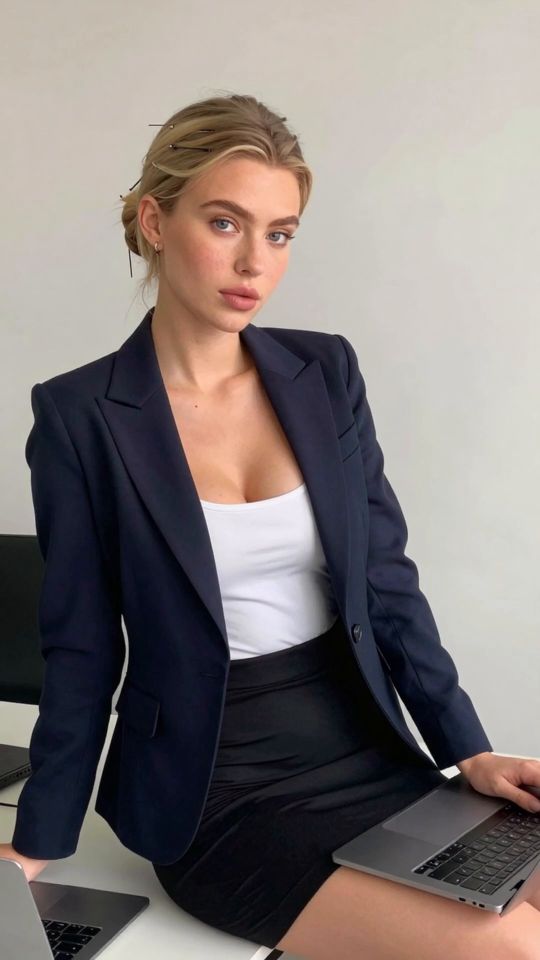
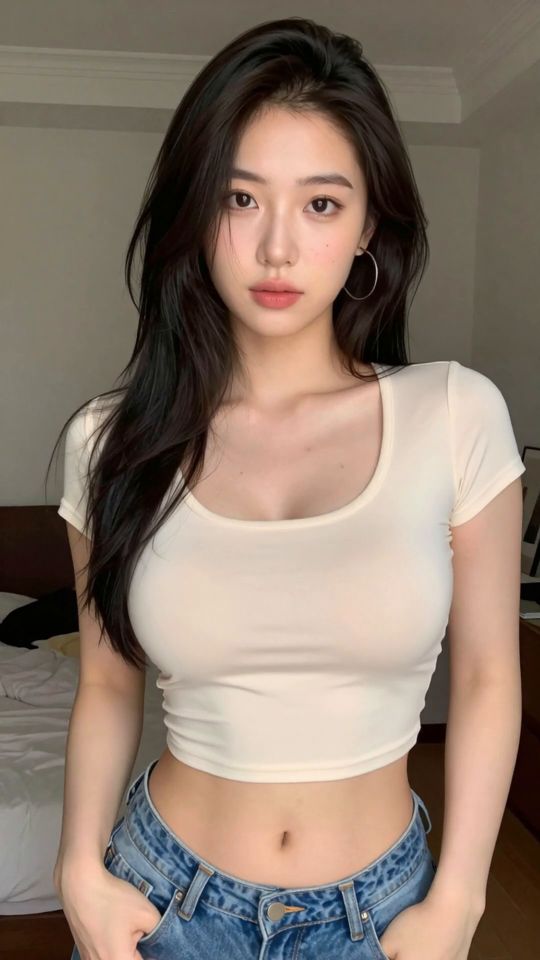
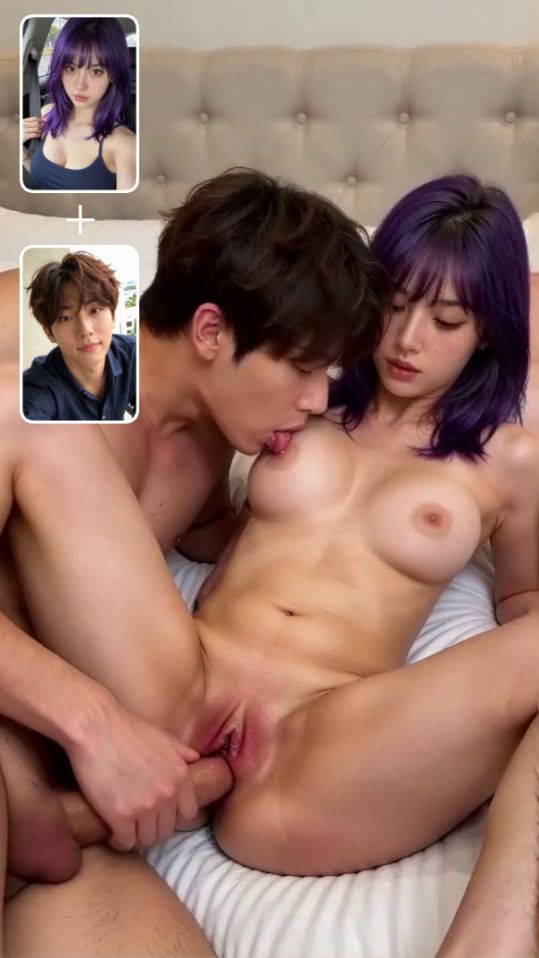
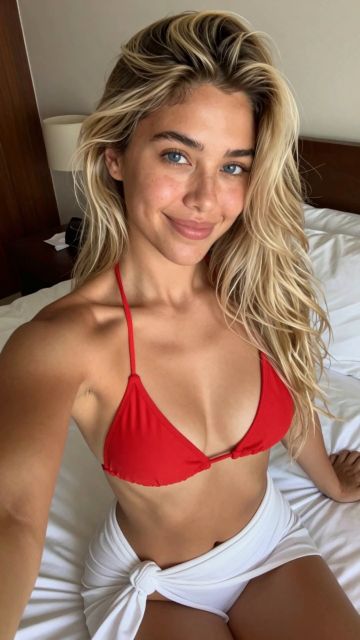
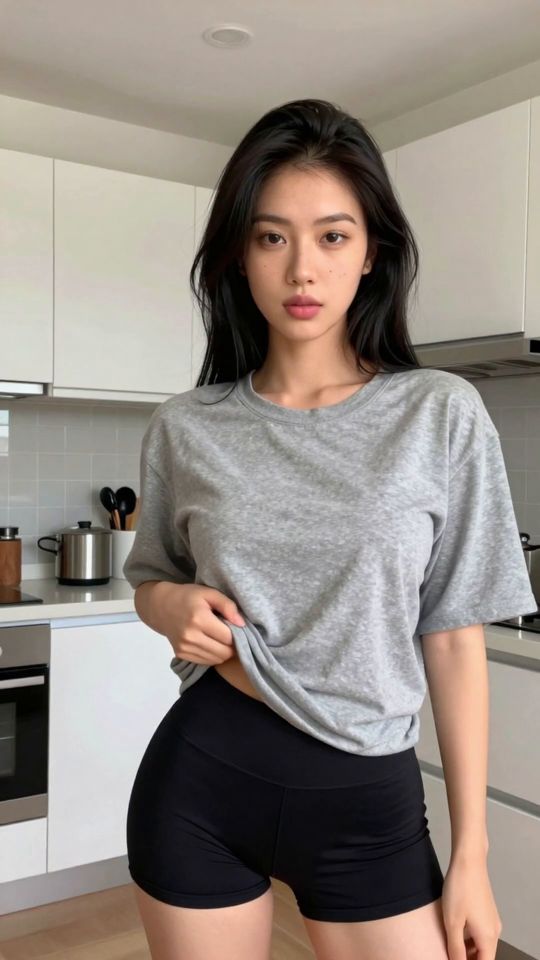
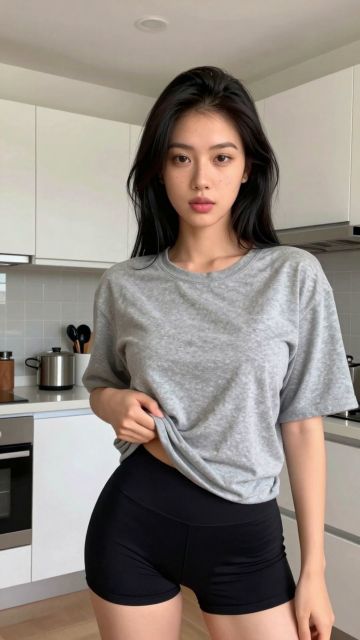
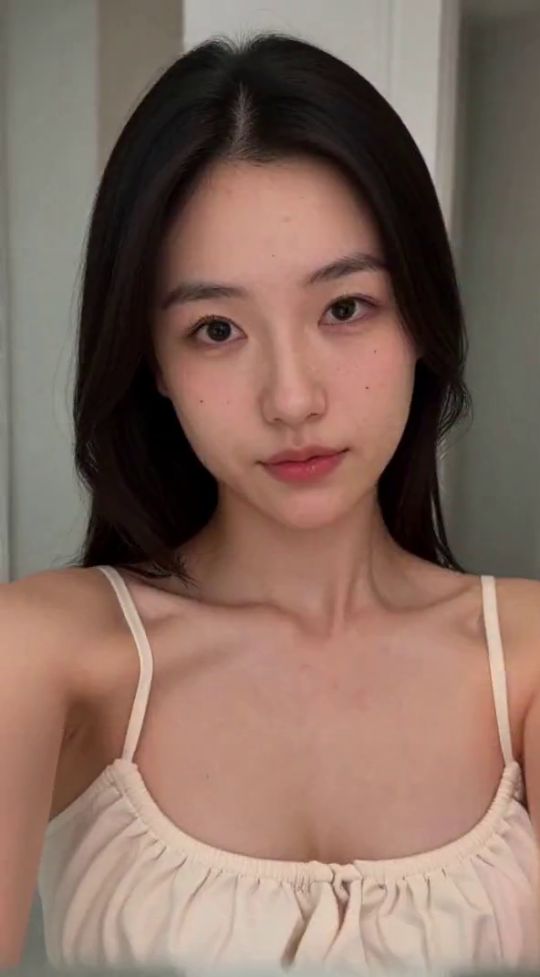
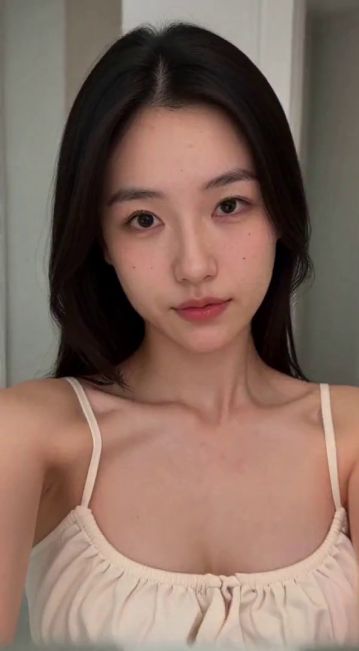
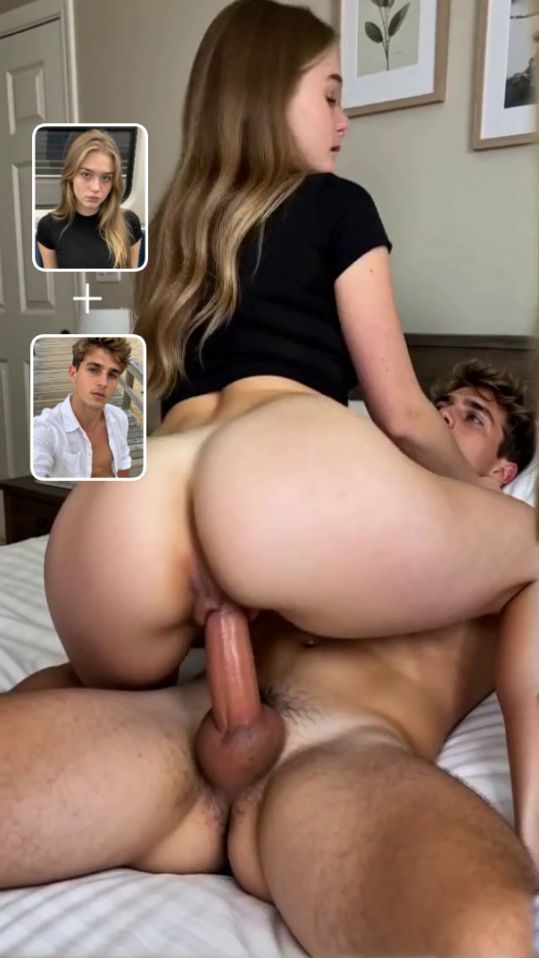
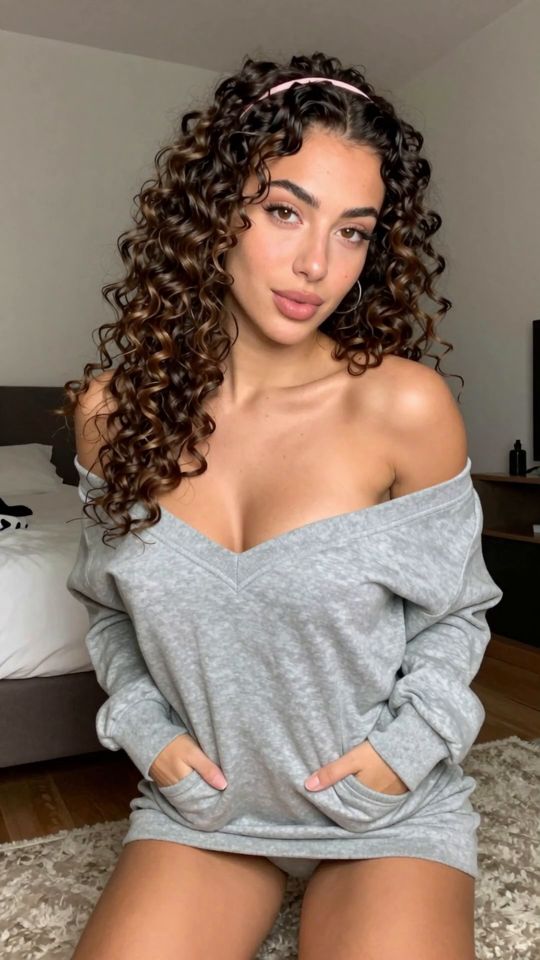
Create a couple-style AI image from an existing photo with SpicyLab's AI Couple Generator.

Choose the Couple template, upload your source image, and generate a new interpretation of the scene. The template provides the creative direction while your photo supplies the starting visual reference.

Couple-style images can be more difficult to evaluate than a single-subject portrait. Positioning, overlapping features, facial details, and the space between subjects all affect whether the final image looks coherent.

This guide explains what to look for before uploading and how to review the generated result.

Create Your AI Couple Image in Four Steps

The workflow starts with a source image and the Couple template.

  1. Select the Couple Template

    Choose the Couple template from SpicyLab's available templates.

    This establishes the intended style of generation without requiring you to describe the entire scene manually.

  2. Upload a Suitable Image

    Choose an image with clearly defined subjects and an understandable composition.

    Before generating, look at the framing. Check whether faces are visible, whether body positions can be distinguished, and whether nearby objects obscure important details.

  3. Generate the Couple Image

    Start the generation using the selected image.

    When the result appears, check the overall arrangement before examining smaller details. A result can have convincing facial features but still contain confusing subject positioning.

  4. Review and Compare

    Look at the relationship between the subjects, facial consistency, visible proportions, and background.

    If something looks incorrect, identify the specific problem before deciding whether to generate another variation or use a different source image.

Understanding Composition in AI Couple Images

The defining challenge of a couple-style image is not simply whether each individual subject looks convincing. It is whether the subjects appear to belong in the same scene.

There are four areas worth checking.

Subject positioning

Look at where each subject appears within the frame.

A clear arrangement makes it easier to understand who is in the foreground, who is behind, and how the subjects relate to one another.

If the source photo uses an unusual camera angle or hides important parts of the subjects, the generated composition may be harder to interpret.

Space and separation

Pay attention to the visible boundaries between subjects.

Closely positioned subjects are not automatically a problem. However, overlapping arms, shoulders, clothing, or hair can create areas where visual details are difficult to distinguish.

When comparing source images, consider whether those boundaries are reasonably clear.

Facial consistency

Examine each visible face separately.

Check whether facial proportions, expressions, and recognizable features appear coherent within the generated image.

A convincing result should not depend on one face looking good while another contains obvious distortions.

Shared lighting and perspective

Subjects in the same scene should appear to share a believable environment.

Look for major differences in shadow direction, apparent scale, and camera perspective.

These details can affect whether the image feels like one composition rather than disconnected visual elements.

Before You Upload: A Couple Image Checklist

Use this checklist when deciding between possible source images.

  • Can you clearly identify the main subject or subjects?
  • Are the visible faces reasonably sharp?
  • Can you distinguish overlapping arms, shoulders, and other features?
  • Does the camera angle make the positioning understandable?
  • Is the background separated clearly enough from the subjects?
  • Do you have permission to use the image and consent from any identifiable people?

The goal is to select an image that gives the generator a readable starting composition.

If you're choosing between two photos, prioritize the one with clearer subject boundaries and more understandable positioning, even if the other has more dramatic lighting or styling.

When an AI Couple Result Looks Wrong

Different problems call for different adjustments. Use the visible issue to decide what to try next.

The subjects appear to merge together

What to look for: Arms, clothing, hair, or other features that blend into one another.

What to try: Check whether the same area is difficult to distinguish in the source image. A source with clearer separation may provide a better starting point.

One face looks less convincing than the other

What to look for: Uneven facial proportions, unclear features, or a noticeable difference in detail.

What to try: Compare another generation. If the problem continues, check whether one face in the source is smaller, blurred, shadowed, or partly obstructed.

The subjects appear to have inconsistent proportions

What to look for: Unusual differences in apparent size, distorted limbs, or body positioning that does not fit the scene.

What to try: Review the original perspective and framing. A less complicated source composition may be easier to interpret.

The background conflicts with the subjects

What to look for: Background objects that appear to intersect with a subject or lighting that seems inconsistent.

What to try: Check the source for strong visual clutter or objects crossing important subject boundaries. Compare another generation before changing the source.

Repeated generations show similar problems

What to look for: The same visual issue appearing in several results.

What to try: Reassess the source image instead of assuming that additional generations will resolve the issue.

How to Evaluate an AI Couple Image

Before selecting a final result, review the image in two passes.

First pass: Look at the complete scene

Check whether the composition makes sense at normal viewing size.

Ask yourself:

  1. Are the subjects positioned clearly?
  2. Does the image have a believable sense of depth?
  3. Are the main subjects distinguishable from the background?
  4. Does the lighting feel consistent?

If the overall composition is confusing, small details are unlikely to make the image more convincing.

Second pass: Inspect individual details

Look more closely at facial features, hands, arms, clothing boundaries, and areas where subjects overlap.

Compare multiple generations using the same criteria.

A result with slightly simpler styling may be preferable to one with more dramatic effects but obvious inconsistencies.

Choose the Right SpicyLab Workflow

The Couple template is useful when you want to begin with an existing image and a defined visual direction.

If you want to explore another image-based transformation, the AI Bikini Generator offers a different template workflow.

For another adult AI template, explore the AI Blowjob Generator.

You can browse additional creation options through Spicylab AI.

Use AI Couple Images Responsibly

If an image includes identifiable people, obtain their consent for the intended AI transformation. Do not create sexualized content involving identifiable real people without their consent.

Never create sexual content involving minors.

Consider the privacy implications of uploading personal images and review the platform's current data-handling policies before using sensitive material.

Start Creating With the AI Couple Generator

Choose a source image with understandable subject positioning, apply the Couple template, and generate your first result.

Review the complete composition before inspecting individual details. If something looks wrong, identify whether the problem concerns facial consistency, overlapping features, perspective, or the background.

Then decide whether another variation or a different source image is the better next step.

Frequently Asked Questions

BlushLab
AI Porn Video Generator
Descargar APP